windows上 安装 完美解码 教程

 时间:2026-04-21 18:11:33

1、官网下载地址: http://jm.wmzhe.com/

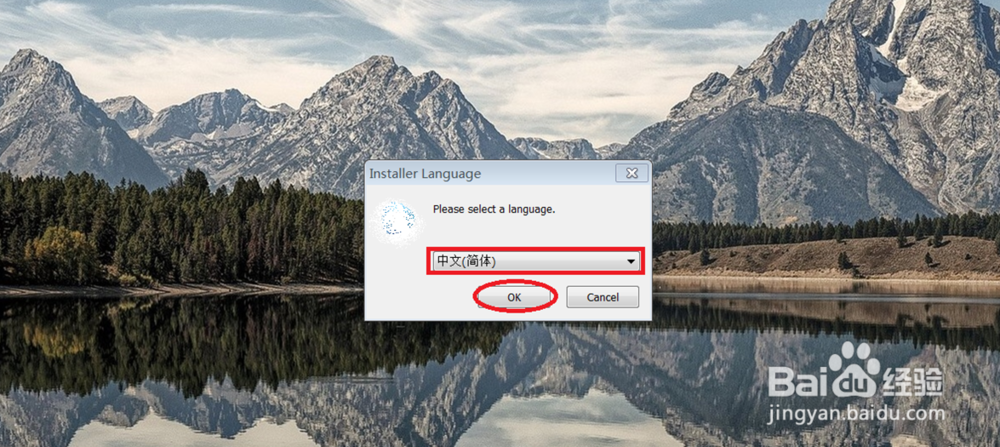
点击: PureCodec.exe 选择: 中文进行安装
windows上 安装 完美解码 教程

2、点击: 下一步

windows上 安装 完美解码 教程

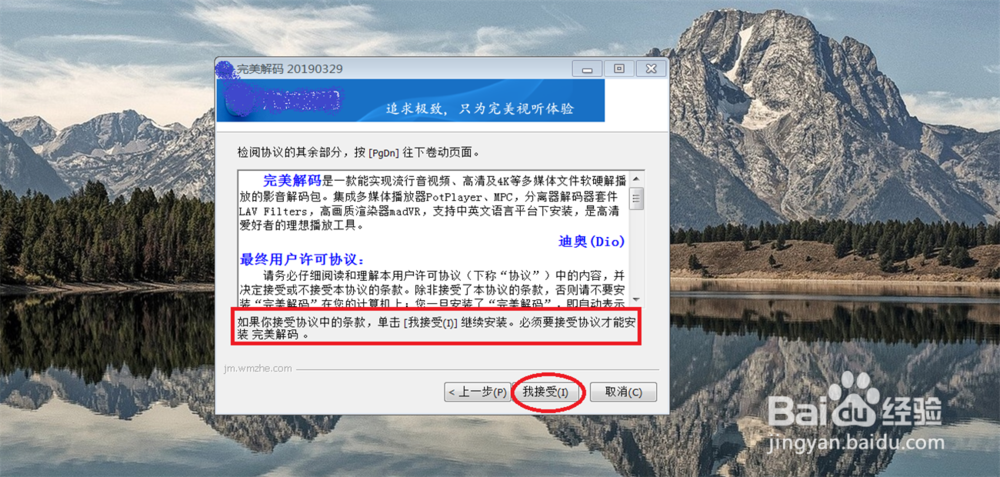
3、点击: 我接受

windows上 安装 完美解码 教程

4、点击: 下一步

windows上 安装 完美解码 教程

5、选择: 安装路径, 点击: 安装

windows上 安装 完美解码 教程

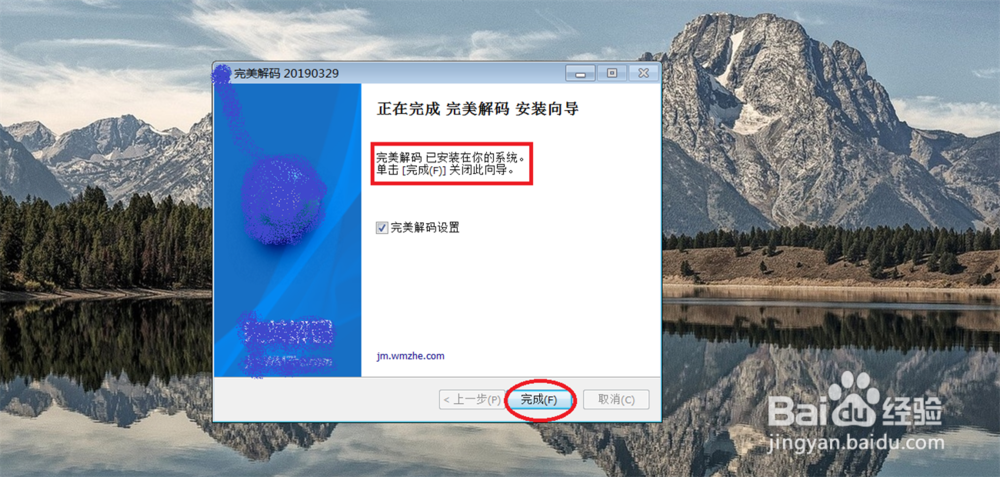
6、点击: 完成,

windows上 安装 完美解码 教程

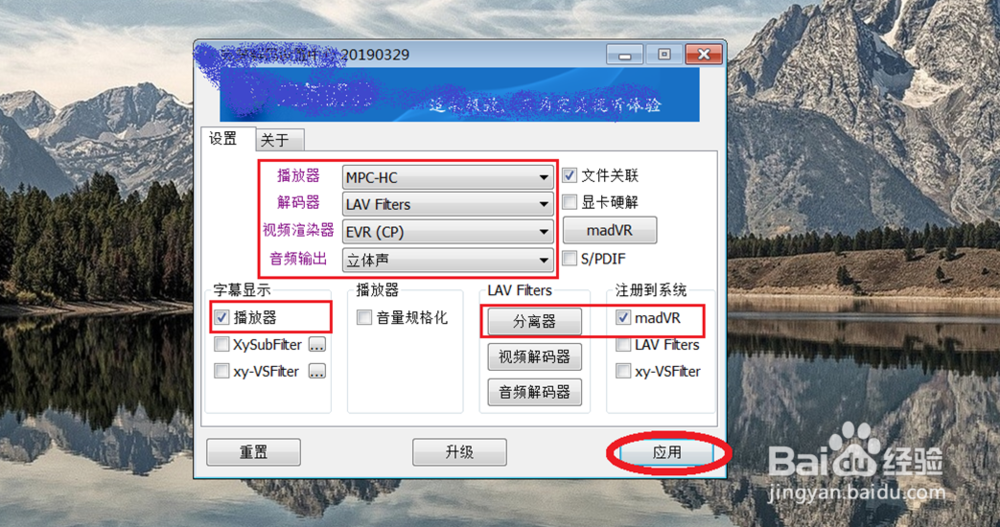
7、进行: 完美解密设置

windows上 安装 完美解码 教程

  • ESXi中给Windows虚拟机添加硬盘
  • PT常识性问题和解决方法(写给PT新手童鞋们)
  • PotPlayer怎么主全屏显示设置为当前显示器
  • virtualbox虚拟机出现0x00000000错误解决方法
  • 出现 encountered * errors during the transfe
  • 热门搜索
    打印机显示脱机怎么办 those怎么读 腮腺炎怎么治疗 纤纤擢素手怎么读 比德文电动车怎么样 鳕鱼怎么做好吃 朋友圈怎么发长视频 哈罗单车怎么收费 乳头凹陷怎么办 党员档案丢失怎么办