小知经验
网站首页
美食营养
游戏数码
知识问答
生活家居
健康养生
运动户外
职场理财
情感交际
生活百科
生活知识
mac Photoshop怎么关闭浮动文档窗口功能?
时间:2026-04-28 15:21:10
1、打开ps。
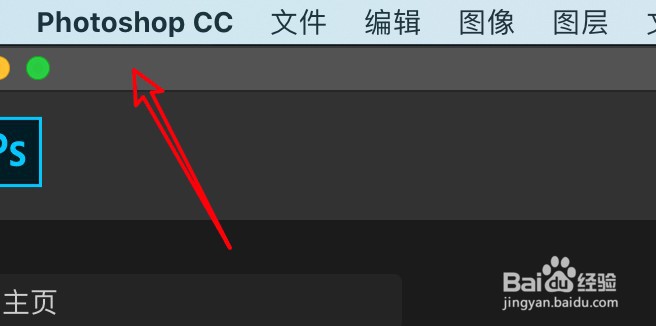
2、点击ps菜单。
3、点击首选项。
4、点击工作区。
5、取消选中浮动文档窗口选项。
6、点击确定。
PS面板介绍大全
PS中矩形选框工具的使用方法
ps怎么制作渐变字体
PS添加渐变时如何复制色标?
Ps如何更换图片文件模式?
热门搜索
满天星怎么养
霉菌性阴道炎怎么治疗
怎么找工作
林冲怎么死的
鼻子不通气怎么办
怎么打响指
骨五笔怎么打
华帝燃气热水器怎么样
adobe怎么读
日记格式怎么写
Copyright © 2026
小知经验
All Rights Reserved 信息来自网络,所有数据仅供参考,有任何疑问请联系站长