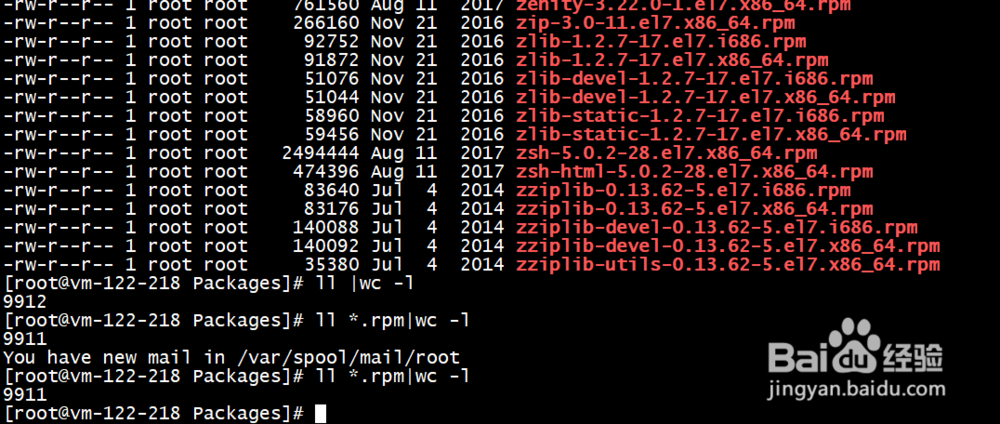
1、使用reposync -r base -p /opt/yum/centos/7/os 同步回来有9911个rpm包
2、更新索引
createrepo --update /opt/yum/centos/7/os/x86_64/

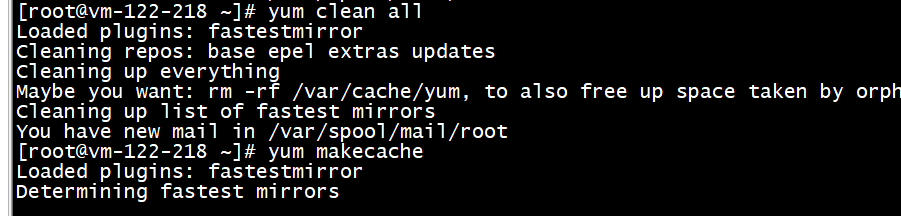
3、清理缓存数据yum clean all
yum makecache
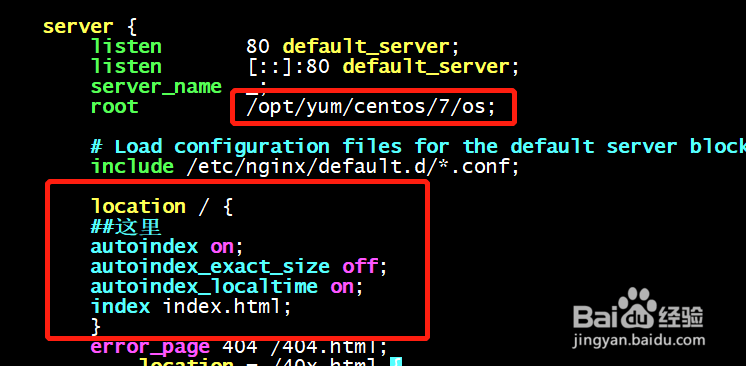
4、配置nginx,标记的部分是要加入的内容
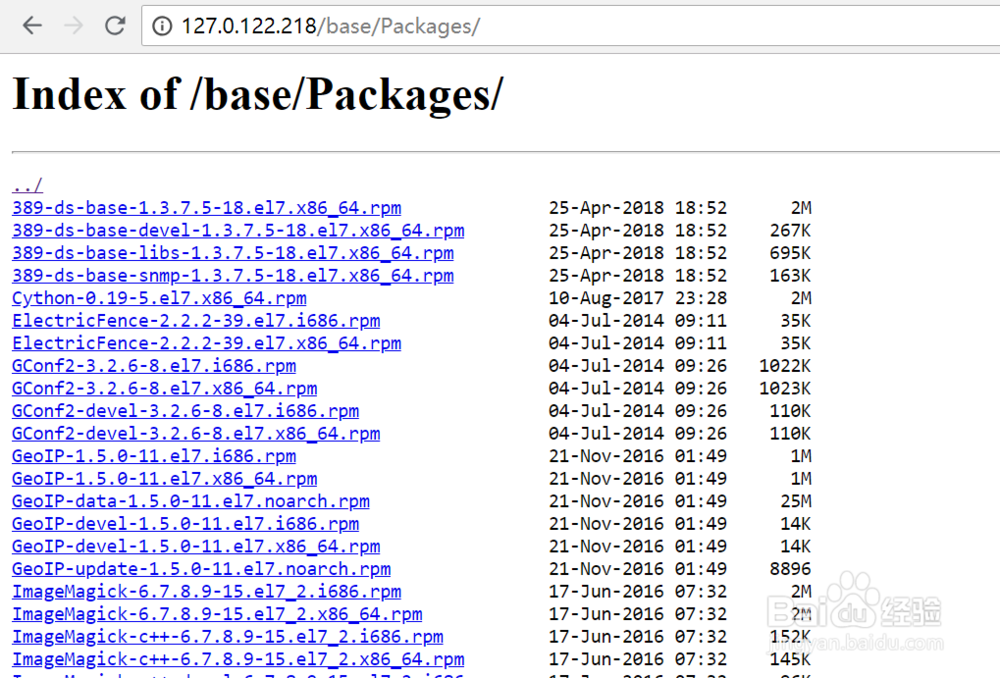
5、浏览器中输入地址进行验证
6、文件进行关联

7、制作repo文件
做完之后生成新的缓存

时间:2026-04-30 00:13:13
1、使用reposync -r base -p /opt/yum/centos/7/os 同步回来有9911个rpm包
2、更新索引
createrepo --update /opt/yum/centos/7/os/x86_64/
3、清理缓存数据yum clean all
yum makecache
4、配置nginx,标记的部分是要加入的内容
5、浏览器中输入地址进行验证
6、文件进行关联
7、制作repo文件
做完之后生成新的缓存
